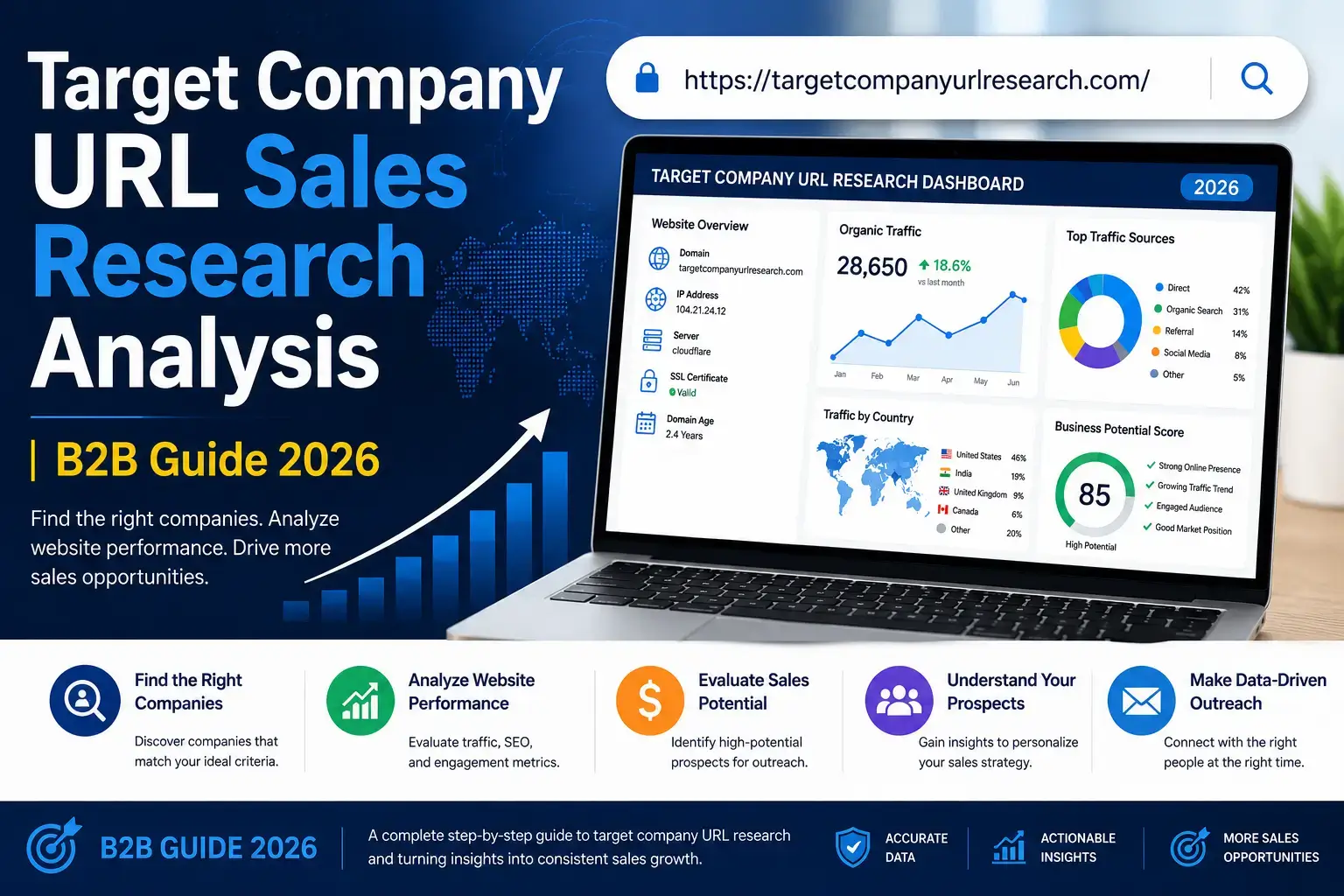
Target Company URL Sales Research Analysis — The Complete Guide
Most B2B sales teams waste 60–70% of their prospecting time on companies that were never going to buy. This guide shows you the complete process: find your target companies’ website URLs, analyse what you find on those sites, score prospects by fit, and write outreach that actually gets replies — all starting with a free URL lookup.
1. What Is Target Company URL Sales Research Analysis?
It is a three-part process that B2B sales teams use before reaching out to any company. First you find the website URL. Then you research the website. Then you analyse what you found to decide whether to reach out — and what to say.
Let’s use a simple analogy. Imagine you are a door-to-door salesperson. Before knocking on someone’s door, a good salesperson would:
- Find out which house belongs to whom — that is the URL research part
- Walk around and observe the house — the size, the car, the garden — that is the website research part
- Decide if this person is worth your pitch — that is the analysis and qualification part
In B2B sales, the “house” is the company’s website. Their URL is the address. And just like a good salesperson wouldn’t knock on every door in the city, a good B2B sales team doesn’t contact every company that exists. They find the right ones first.
Imagine you have a list of 100 company names. You want to sell something to them, but you don’t know anything about them yet. URL sales research analysis means: (1) finding each company’s website, (2) visiting it to learn what they do, how big they are, and what problems they might have, and (3) deciding which companies are worth your time. It turns a list of names into a list of “yes — contact them” and “no — skip them.”
The complete 5-step workflow at a glance
2. Why the Company URL Is Your Starting Point — Not an Optional Step
Most sales teams skip URL verification and go straight to finding contact emails. This is a mistake that wastes significant time. Here is why the URL is the foundation for everything else:
Without the correct URL, you cannot visit the company website, find their product pages, pricing, team, or recent news. The URL is the key that opens the door to all sales intelligence.
No URL = no research possibleB2B contact data decays at 22.5% annually. Companies close, rebrand, or merge constantly. A live website confirms the company is still active before you invest research time.
Dead URL = skip this companyThere are often multiple companies with similar names. “Mercury Software” in Boston and “Mercury Software” in London are different companies. The URL disambiguates which one you found.
Wrong URL = wrong company = wasted callWithin 90 seconds of visiting a company website, you can determine their industry, approximate size, and product category. That is faster than any other qualification method.
90 seconds = enough to qualify or disqualifyAccording to Salesforce State of Sales, sales reps spend only 24% of their time actually selling. The rest goes to research, admin, and chasing the wrong prospects. Teams that implement structured URL verification and website analysis frameworks reclaim hours each week by removing bad-fit companies before investing outreach effort.
Step 1 — Build Your Target Company List
Before you can research any company, you need a list of company names to research. This step is about defining exactly what kind of company is worth your time — and building a list of those companies. The technical term for this is your Ideal Customer Profile, or ICP.
Your ICP answers: “What type of company is most likely to buy from us, get real value, and stay a customer?” Think of it like a description of your perfect customer. Once you have this, every company you research can be checked against it.
Build your ICP by answering these 6 questions:
- Industry: Which industries do your best customers come from? (e.g. SaaS, manufacturing, healthcare)
- Company size: How many employees does your typical customer have? (e.g. 50–500 employees)
- Location: What countries or regions do your customers operate in?
- Technology: What software do your ideal customers already use? (e.g. Salesforce CRM, HubSpot, AWS)
- Growth stage: Startup? Scale-up? Enterprise? Publicly traded?
- Pain point: What specific problem do your best customers have that you solve?
“B2B SaaS companies in the UK and US with 50–200 employees, using Salesforce CRM, that have raised a Series A or B funding round in the past 12 months, and are actively hiring SDRs — indicating they are scaling their sales team.”
Where to get company names for your list
- LinkedIn Sales Navigator: Filter by industry, size, location. Export to CSV.
- Trade show attendee lists: Industry events publish company sponsor/attendee lists.
- G2, Capterra, or Clutch: Review sites where companies profile themselves by category.
- Crunchbase: Filter companies by funding stage, industry, and location.
- Industry association member lists: Professional bodies often publish member directories.
- Your own CRM: Past opportunities that didn’t close, or similar companies to existing customers.
Step 2 — Find Company URLs (URL Research)
You now have a list of company names. The next step is converting every name into a verified website URL. For 5–10 companies, you can Google each one. For 50, 500, or 5,000 companies, you need a URL research tool.
Method A: Use TargetCompanyURLResearch.com (Free — No Sign-Up)
- Go to targetcompanyurlresearch.com
- Type company names into the URL Lookup tool — one per line
- As you type, live autocomplete suggestions appear — click one to confirm the correct company
- Click Find URLs — results appear in seconds with the official domain, company logo, industry, and confidence score
- Click Export CSV to download all results into a spreadsheet
- Check the confidence score: High = use directly. Medium = verify manually. Low = Google it
Think of it like a matching game. If you type “Salesforce” and the tool finds “salesforce.com” — the name matches perfectly, so the confidence is High. If you type “Atlas” and the tool finds “atlas.com” — but there are many companies called Atlas — the confidence is Medium or Low, because the tool isn’t certain it found the right one. Always check Medium and Low results before using them.
Method B: Use the GEO Search Tab (for International Research)
If you are researching companies in a specific country and need the regional website (not just the global one), use the GEO Search tab:
- Click the Geo Search tab on the tool
- Select the target country from the dropdown (e.g. United Kingdom, Germany, Australia)
- Enter the brand or company name
- The tool returns the regional website (e.g. amazon.co.uk for Amazon in the UK)
What to do with the results
After finding URLs, add them to a spreadsheet with these columns:
| Column | What to put there |
|---|---|
| Company Name | The name you searched for |
| Website URL | The full https:// URL returned |
| Confidence | High / Medium / Low from the tool |
| Verified? | Yes / No — did you manually check it? |
| ICP Score | Blank for now — you’ll fill this in Step 4 |
| Notes | Any quick observations from a first glance |
Step 3 — Analyse Target Company Websites
This is the most important step. A company’s website tells you almost everything you need to know before your first outreach. Here are the 6 signals to look for — and exactly what each one tells you about the prospect.
What to look for: Company founding date, team size mentioned, office locations, mission statement. Look for headcount statements (“200-person team”) or employee count on LinkedIn.
What it tells you: How big the company is, how mature they are, and whether they fit your ICP size criteria.
📍 Where: /about, /company, /our-storyWhat to look for: Price ranges, plan names, “Enterprise” tier, “Contact sales for pricing.” Hidden pricing usually means higher budgets.
What it tells you: Their budget level. A company that sells $500/month software can afford different tools than one selling $50,000/year enterprise contracts.
📍 Where: /pricing, /plans, /pricing-enterpriseWhat to look for: Customer logos on homepage, detailed case studies, testimonials. Look for companies you recognise. Note the industries they serve.
What it tells you: Who they trust, what industries they understand, and whether they have experience in your space — useful for personalising outreach.
📍 Where: /customers, /case-studies, homepageWhat to look for: Recent press releases, product launches, funding announcements, partnerships, or expansion news. Look at dates — recent posts (last 30–90 days) show an active company.
What it tells you: Current priorities and conversation starters for outreach. A recent product launch or new market entry is a perfect hook for your first message.
📍 Where: /blog, /news, /pressWhat to look for: Active job listings — especially roles in your area. Are they hiring SDRs, marketers, engineers, ops? How many open roles? What technologies do they mention in job descriptions?
What it tells you: Growth signals (many open roles = scaling fast = more budget). Technology use (job descriptions reveal what tools they use). Strategic direction (new team = new priorities).
📍 Where: /careers, /jobs, /work-with-usWhat to look for: Chat widgets, cookie banners (Intercom, Drift, HubSpot), footer credits, job listing requirements (“experience with Salesforce preferred”).
What it tells you: Whether they use tools compatible with yours. If they use HubSpot, they are likely open to marketing tools. If they mention Salesforce, they invest in sales infrastructure.
📍 Where: Any page footer, job listings, cookie bannerFor a structured first pass: 3–5 minutes per company. Visit the homepage, About page, Pricing, Customers, and Careers. Take notes directly into your spreadsheet. For your top-tier prospects (Hot accounts), do a deeper 10–15 minute analysis including reading one blog post and one case study. For everyone else, 3 minutes is enough to make a qualified yes/no decision.
The quick 90-second analysis for large lists
If you have 200+ companies on your list, doing 5 minutes per company is 17+ hours of work. Use this 90-second triage approach first to cut the list down before doing deeper analysis:
- Does the website load? (5 sec) — Dead site = remove from list immediately.
- Does the homepage match your ICP industry? (10 sec) — Wrong industry = remove.
- Is there a pricing page? (10 sec) — Visible pricing gives instant budget context.
- Any obvious size indicator? (15 sec) — “Trusted by 10,000 businesses” or “our 500-person team” tells you scale.
- Are they hiring? (20 sec) — Any open roles = active company. Many roles = growing company.
- Any recent news? (30 sec) — Skim blog or news for dates. Nothing in 6 months = potentially inactive.
After 90 seconds, place each company into one of three buckets: Proceed to deep analysis, Low priority — nurture long-term, or Remove from list. This cuts your list by 40–60% before you invest real research time.
Step 4 — Qualify and Score Prospects
You have now visited each company’s website and taken notes. This step turns those observations into a score that tells you exactly how to prioritise your time. The goal is to create a clear answer for every company: Hot, Warm, or Cold.
Rate each company from 0 to the maximum points for each criterion below. Add up the scores to get a total out of 100.
| Criterion | Max Points | How to score it |
|---|---|---|
| Industry fit | 20 pts | Exact ICP industry match = 20. Related industry = 10. Different industry = 0. |
| Company size fit | 20 pts | Headcount exactly in your ICP range = 20. One band off = 10. Too large or too small = 0. |
| Budget indicators | 20 pts | Visible high-value pricing / Series B+ funded / enterprise customers = 20. Some signals = 10. No pricing visible, very small = 0. |
| Technology fit | 15 pts | Uses tools that integrate with yours = 15. Uses compatible tech = 8. No visible tech signals = 0. |
| Growth signals | 15 pts | 5+ active job listings / recent funding / new office / product launch = 15. Some signals = 8. None visible = 0. |
| Timing triggers | 10 pts | News item from last 30 days you can reference / hiring your exact buyer = 10. 90-day news = 5. Nothing recent = 0. |
Interpreting your scores: the three tiers
Contact within 24 hours. Personalised, research-backed email + LinkedIn message. Prioritise for phone outreach.
Add to a structured 5-step email sequence over 2–3 weeks. Monitor for growth signals that push them to Hot.
Remove from active outreach. Add to a long-term nurture list or discard entirely. Do not invest SDR time here.
Research shows organisations implementing early disqualification protocols save 32% of sales time. If your SDR earns $50,000/year and spends 32% less time on wrong prospects, that is $16,000 of SDR time recovered per rep per year — time now spent on prospects who could actually buy.
Step 5 — Build Personalised Outreach Using Your Research
The research you have done is wasted if your outreach message ignores it. The single biggest reason cold emails fail is that they are generic — the same message sent to every company on the list. The website research you did in Step 3 gives you specific, personal hooks that make your message feel like it was written just for them — because it was.
The 4 research-to-personalisation connections
| What you found on their website | How to use it in outreach |
|---|---|
| Recent product launch or feature update | “Congratulations on the launch of [Product Name] — I noticed it specifically addresses [problem area]. That’s exactly the kind of growth stage where teams find [your solution] most valuable.” |
| Hiring SDRs or sales roles | “I saw you’re scaling your sales team — 4 SDR roles open right now. Teams at your stage often hit [specific problem] when onboarding that volume. We help with that.” |
| A customer logo you recognise | “I noticed you work with [Company X] — they’re a customer of ours too. I’d love to show you how we helped them with [result].” |
| A blog post about a specific challenge | “I read your recent post on [topic]. Your take on [specific point] resonated — it’s the same challenge we hear from most [industry] teams.” |
Example outreach email built from website research
Here is an example cold email that uses real website research to personalise every line:
Notice what this email does not do: it does not mention features, pricing, or ask for a “quick demo.” It references something specific from the company’s website (5 SDR job listings), connects it to a problem that causes, and offers a relevant solution. This kind of message gets a 3–5x higher reply rate than generic outreach.
Tools for Each Step of the Workflow
Here is every tool you need for the complete target company URL sales research analysis workflow — including free options at every stage.
| Step | Tool | Cost | What it does | Best for |
|---|---|---|---|---|
| Step 1: Build list | LinkedIn Sales Navigator | $99/mo | Filter companies by ICP criteria, export names | Best quality B2B lists |
| Step 1: Build list | Crunchbase (free) | Free / $29/mo | Search by funding stage, industry, location | Funded startups & scale-ups |
| Step 2: Find URLs | TargetCompanyURLResearch.com | Free (10/session) | Company names → verified URLs with confidence scores | Fast, no sign-up URL lookup |
| Step 2: Find URLs | Hunter.io | Free 25/mo | Company domain lookup + email finder | When you need email + domain |
| Step 3: Analyse sites | BuiltWith | Free / $295/mo | See the technology stack a website uses | Tech stack compatibility |
| Step 3: Analyse sites | SimilarWeb | Free (limited) | Traffic estimates, top pages, audience data | Company scale indicators |
| Step 3: Analyse sites | LinkedIn (company page) | Free | Headcount, growth rate, employee roles | Size verification |
| Step 4: Score prospects | Google Sheets (custom) | Free | Spreadsheet with scoring formula | Small teams, flexible |
| Step 4: Score prospects | HubSpot CRM | Free tier | Add lead scores, track research notes | Teams with an existing CRM |
| Step 5: Outreach | Apollo.io | Free tier | Find contacts, send sequences, track replies | Full outreach workflow |
| Step 5: Outreach | Instantly.ai | $37/mo | Cold email sequencing, inbox management | High-volume email outreach |
- List building: Crunchbase free + LinkedIn company search
- URL research: TargetCompanyURLResearch.com (10 free lookups per session)
- Website analysis: Manual + BuiltWith free + LinkedIn company page
- Scoring: Google Sheets with the 100-point scoring formula above
- Outreach: Apollo.io free tier + Gmail
Total cost: $0. This stack is enough to process 100 companies per week as a solo SDR.
Real Example Walkthrough — End to End
Let’s walk through the complete process for a real-world scenario. You are an SDR at a company that sells an AI-powered meeting notes tool. Your ICP is: B2B SaaS companies, 50–200 employees, using Zoom or Google Meet, in the UK or US.
URL Research
Paste “Notion” into TargetCompanyURLResearch.com. Result: notion.so with High confidence score. Live in 2 seconds, no manual Googling needed.
About Page Analysis
Notion.so/about confirms: global team, Series C funded, serves companies of all sizes. LinkedIn shows 500+ employees. Slightly over ICP size range but worth investigating.
Pricing Page Analysis
Notion.so/pricing shows: Free, Plus ($8/mo), Business ($15/mo), Enterprise (contact sales). The Enterprise tier confirms they serve large teams with significant budgets.
Careers Page Analysis
notion.so/careers shows 12 open roles including: Head of Sales, Account Executive (Enterprise), Sales Operations. This is a strong growth signal — actively investing in sales.
Scoring
Industry: SaaS = 20/20. Size: 500+ (over ICP) = 10/20. Budget: Enterprise tier = 20/20. Tech: Remote-first, likely Zoom/Meet = 15/15. Growth: 12 open roles = 15/15. Timing: Recent funding news = 10/10. Total: 90/100.
Outreach hook from research
Lead with the 12 open sales roles: “Saw you’re onboarding 3 new AEs — their first meeting notes are usually chaos. We help sales teams at Notion’s scale capture structured notes from every discovery call automatically, straight into Notion itself.”
Tips for Better Target Company URL Research Results
Batch your URL lookups
Process 10 company names at once in the URL research tool rather than one at a time. It is 10x faster and the results come back simultaneously.
Research on Mondays
Monday website visits take 10–15 minutes. Save analysis for a dedicated research block. Interrupting other work to research single companies is inefficient.
Save hiring signals for outreach
Screenshot the specific job listing you found. Reference the exact job title in your email. “I see you’re hiring a Head of RevOps” is 10x more specific than “I see you’re growing.”
Re-check monthly
A company that scored 65 (Cold) in January might score 88 (Warm) in March after a funding round or product launch. Revisit your list monthly and re-score.
Use GEO search for international lists
For UK or Australian prospects, use the GEO Search tab to find regional domains (amazon.co.uk vs amazon.com). Sending to the wrong regional entity wastes the outreach.
Track your conversion rates by score tier
After 90 days, check: what percentage of Hot, Warm, and Cold prospects converted? Use this to calibrate your ICP scoring criteria for your specific product and market.
Frequently Asked Questions
The most common questions about target company URL sales research analysis — with clear, direct answers.
Start your first target company URL research now
Free tool — no sign-up, no credit card. Paste up to 10 company names, get verified URLs with confidence scores, and export to CSV. Your research workflow starts here.